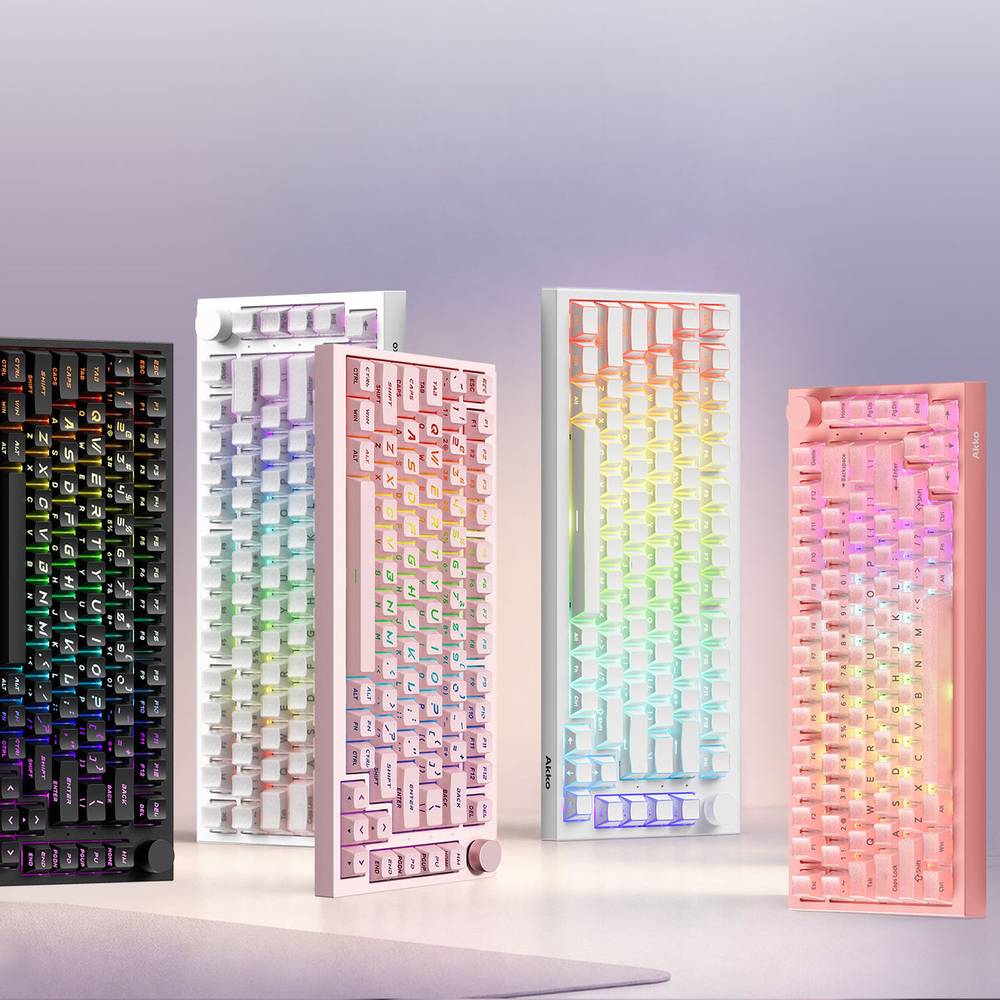
A hall effect keyboard is worth it if you play fast shooters and want to set exactly where each key fires, and mostly not worth the premium if you only type. The reason is simple: a magnetic switch tells the keyboard how far down the key is at every moment, and the two features built on that, adjustable actuation and rapid trigger, pay off in games far more than in email.
That one idea explains everything below, including the part most spec sheets skip: which headline numbers matter, which feature Counter-Strike 2 will kick you for, and why you cannot drop magnetic switches into the keyboard you already own.
What a Hall Effect Keyboard Actually Does
A hall effect keyboard replaces the metal contact inside each switch with a small magnet in the stem and a sensor on the circuit board that reads how strong the magnetic field is as the key moves.

A mechanical switch is binary. Two metal leaves touch at a fixed point, usually around two millimetres down, and the key registers. The keyboard knows only on or off.
A magnetic switch is analog. The sensor sees the field strengthen continuously as the magnet approaches, so the keyboard knows the key is at 0.4 mm, then 1.1 mm, then 2.6 mm. Nothing touches, so there is no contact to wear out and no contact bounce to filter, and everything interesting about these boards comes from that continuous position reading.
The Two Features You Are Actually Paying For
Once the keyboard knows where the key is, it can let you decide where "pressed" begins, and it can decide "released" the instant the key starts moving back up.
Adjustable actuation sets the fire point per key. A shallow 0.2 mm setting makes movement keys hair-trigger; a deep 3 mm setting makes a key you hit by accident much harder to trigger. Akko's current magnetic boards list ranges from 0.1 mm to 3.3 or 3.4 mm.
Rapid trigger is the one gamers buy these for. A mechanical key resets only after it rises past a fixed reset point, so there is a dead zone between letting go and being able to press again. With rapid trigger the key resets the moment it starts to rise and fires again the moment it starts to fall, from wherever it is in its travel. Wooting's explainer is the clearest description of why that matters for strafing: stopping and changing direction happen as fast as your finger moves, not as fast as the switch resets.
Everything else on the box, the dynamic keystrokes, the mod-tap, the per-key curves, is software built on the same position reading. Useful, but these two are the reason the category exists.
Do Hall Effect Keyboards Actually Make a Difference?
For competitive shooters, yes, and it is one of the few gaming peripherals where the difference is mechanical rather than marketing. For typing, the honest answer is barely.
In games like Counter-Strike 2 and Valorant, accuracy depends on being fully stopped when you shoot, and stopping means releasing one direction key and tapping the opposite one. Rapid trigger shortens the gap between those two events on every single strafe, which is why it is now standard on esports keyboards from Wooting, Razer, and SteelSeries.
For writing, a magnetic switch feels like a smooth linear switch, because that is what it physically is. You can set a shallower actuation so keys register earlier, and some people like that, but it is a comfort setting rather than a transformation. If gaming is not part of the plan, a good mechanical board is the better use of the money.
Are Hall Effect Keyboards Banned?
No. Hall effect keyboards are not banned anywhere, but one feature many of them ship with will get you kicked from official Counter-Strike 2 matches, and it is worth knowing which one before you set up a profile.
On August 19, 2024, Valve pushed a Counter-Strike 2 update that stopped allowing movement and shooting "input automation," whether done by script or by hardware. HLTV's report covers what it targeted: Razer's Snap Tap and the SOCD features other brands built to match it, which automatically cancel one direction key the instant you press its opposite. The penalty is being kicked from the match, not a VAC ban.
Adjustable actuation and per-key rapid trigger were not the target. The feature to watch is the SOCD one, which Akko labels Snap Key. Leave it off in your Counter-Strike profile and use it only in games that allow it.
Hall Effect vs TMR: The Newer Sensor
TMR, tunnel magnetoresistance, is a second way of reading the same magnet. A hall sensor outputs a voltage that rises with field strength; a TMR sensor outputs a change in electrical resistance, and it can resolve smaller changes in the field.
That makes TMR the more precise sensor on paper, and it is appearing across 2026 keyboards from several brands. Keychron has used TMR in its magnetic boards since its first Q1 HE, as its own comparison points out, so the technology is not new so much as newly common.
Whether you can feel the difference is another question. Wooting's rebuttal argues that well-tuned hall effect firmware already detects movement smaller than anyone presses deliberately, and that the sensor matters less than the software reading it. Treat TMR as a reasonable tiebreaker between two boards, not a reason to replace one that works.
Can You Put Hall Effect Switches in Any Keyboard?
No. A magnetic switch is only half of the system; the sensor that reads it lives on the keyboard's circuit board, so a regular mechanical board has nothing underneath to detect the magnet.
It does not work the other way either on most boards. Akko's product page for the MOD68 HE states it outright: the keyboard "does NOT support mechanical switches." A magnetic board takes magnetic switches only.
The exception is worth knowing about. The TMR versions of MonsGeek's FUN60 boards, sold on the same Akko store, are listed as hot-swappable with 5-pin mechanical switches as well as major magnetic switches. If you want to try magnetic without giving up the switches you already like, that is the rare board that lets you keep both.
The Spec Sheet Numbers Worth Ignoring
Magnetic keyboard boxes have turned into a race of numbers, and most of the race is past the point where a human hand can tell.
Rapid trigger sensitivity is the clearest case. Akko's 5075 V5 HE lists 0.001 mm; its MOD68 HE lists 0.005 mm; its TAC75 HE lists 0.01 mm. A hundredth of a millimetre is far smaller than any movement you make on purpose, so the practical setting on every one of these boards is several tenths of a millimetre, and the smallest number on the box is never the one you will use.
Scan rates of 16K or 32K Hz and sampling rates of 128K Hz are similar. They describe how often the board looks at the sensors, not how quickly a keypress reaches your game, which is capped by the USB polling rate, 8,000 Hz on most of these boards when wired.
What actually separates magnetic keyboards is less glamorous: whether the software is easy to set up and remembers your profiles, whether the stabilisers rattle, and whether the layout fits your desk. Buy on those, and treat the micron figures as ties.
Five Magnetic Boards From Akko, by Budget
Two side notes before the picks: several of them are also sold in ISO-DE, ISO-FR and ISO-UK versions on the same store, and our ISO vs ANSI guide explains which layout to pick; if you plan to change keycaps, PBT vs ABS keycaps covers what the plastic changes.
Disclosure: the product links below are affiliate links to Akko's European store. If you buy through them, this site earns a commission at no extra cost to you. Specifications and prices are the manufacturer's listings in euros and change often.
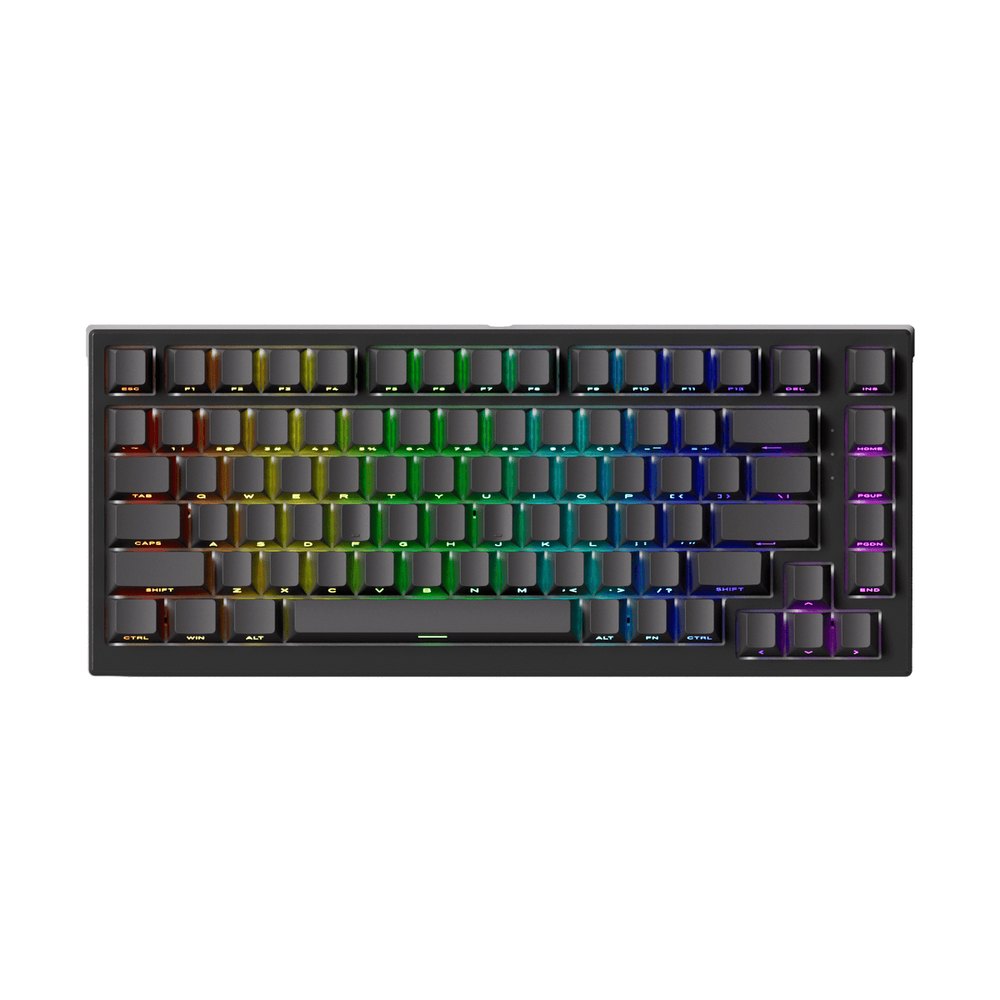
TAC75 HE
The cheapest way into the category: 75% layout, rapid trigger, 0.1 to 3.4 mm actuation, 8K wired polling. From about €50.
See the TAC75 HE →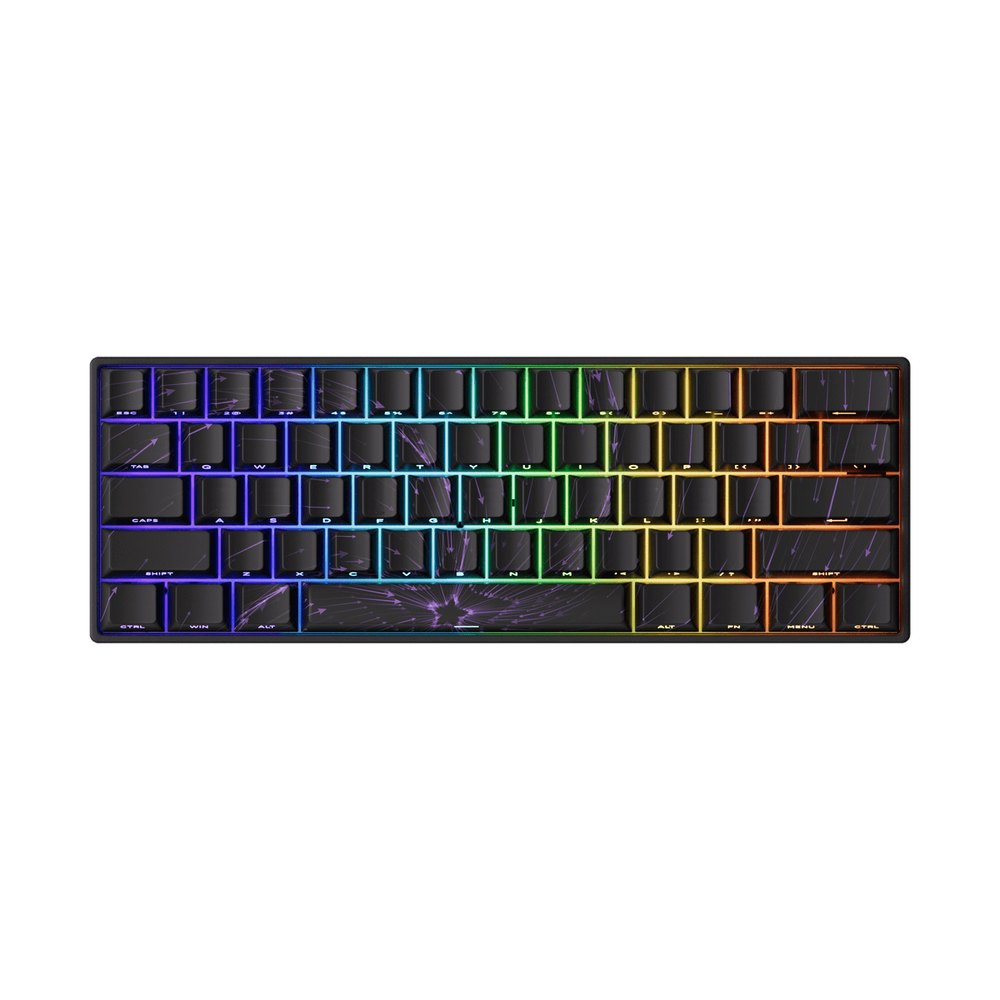
FUN60 Max HE
A 60% board for a small desk. Takes the major magnetic switches, and the TMR version also takes 5-pin mechanical switches. From about €59.
See the FUN60 Max HE →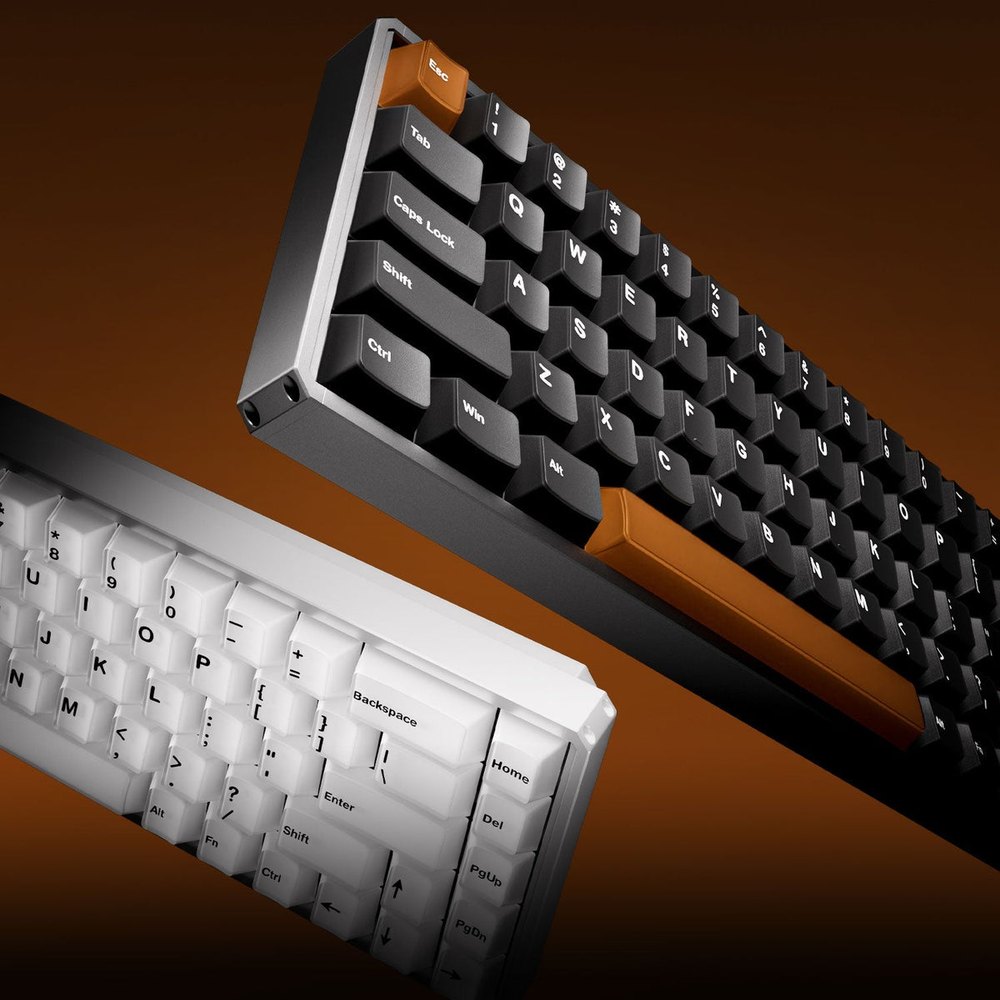
MOD68 HE
CNC aluminium case, PBT double-shot keycaps, dynamic keystrokes and a bottom deadzone setting. Magnetic switches only. From about €91.
See the MOD68 HE →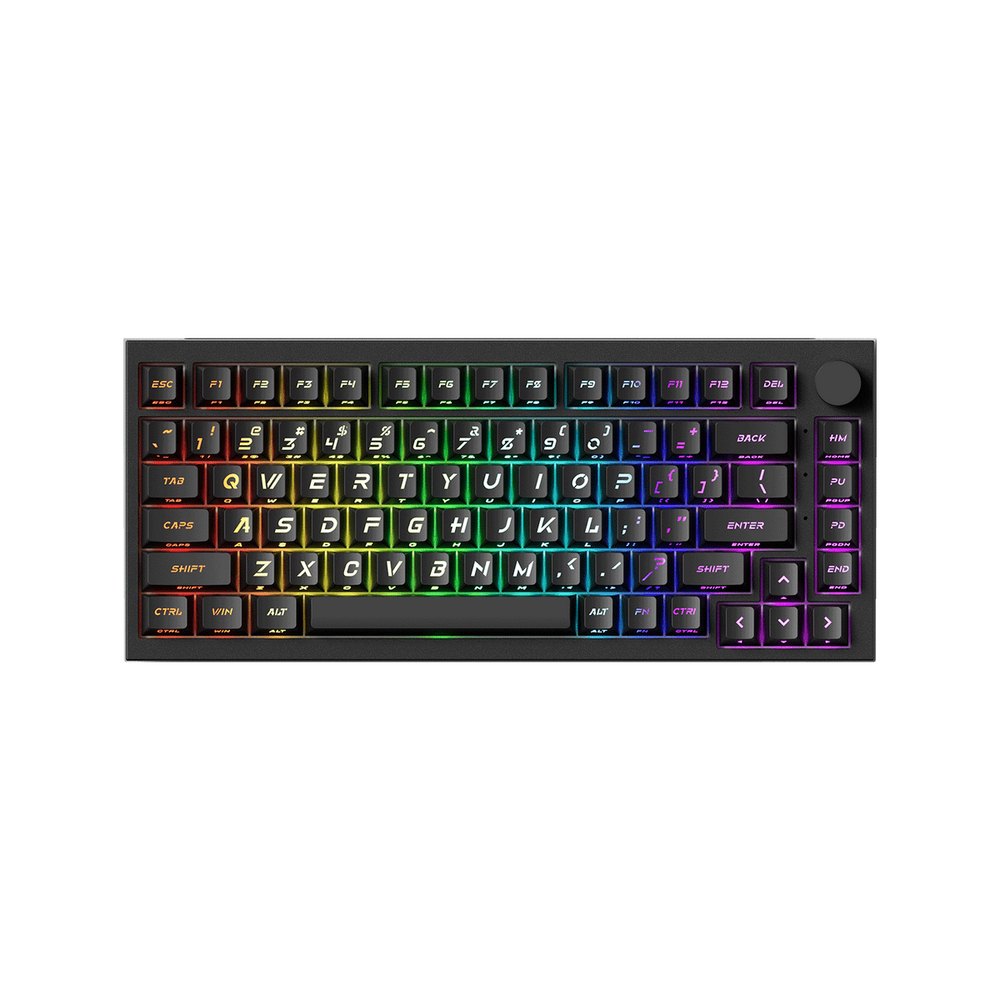
5075 V5 HE
The all-rounder: 75% with a knob, 8K polling, rapid trigger and 0.1 to 3.4 mm actuation, several colourways. From about €101.
See the 5075 V5 HE →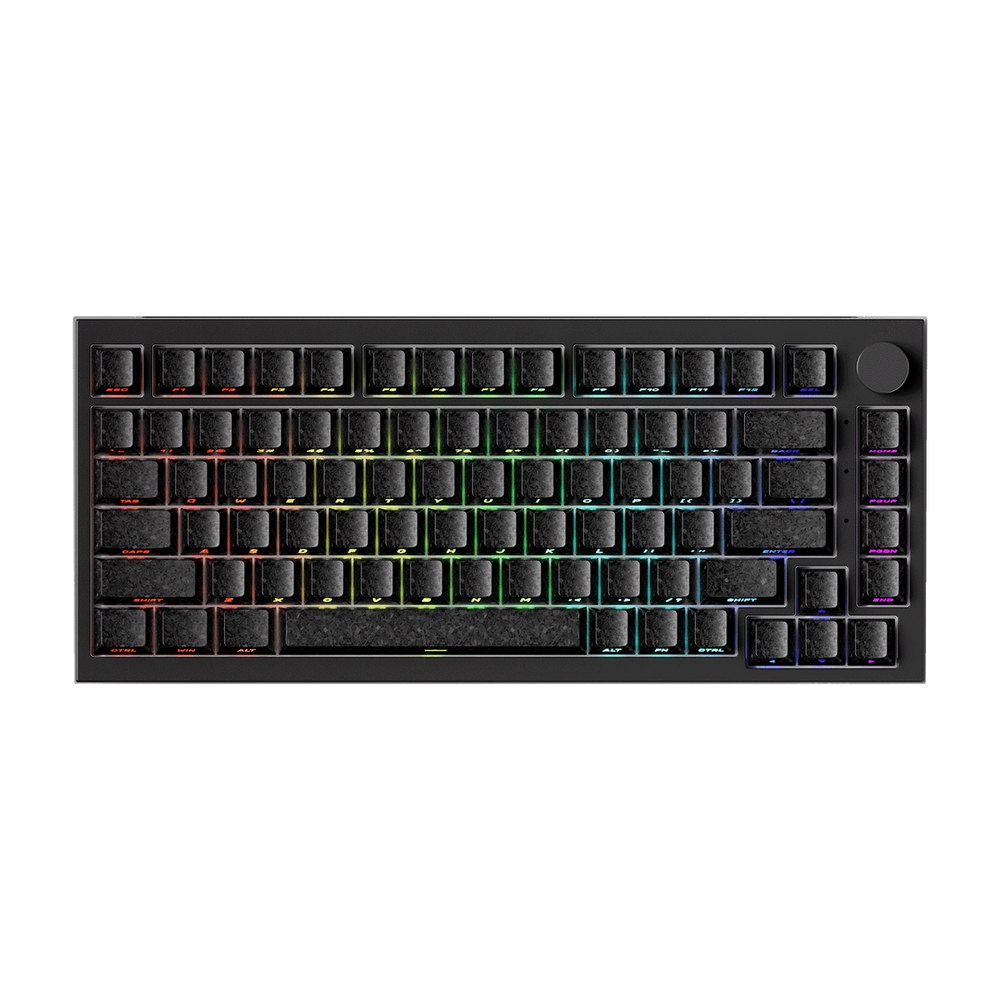
5075 V5 TMR
The same 75% layout with TMR sensors instead of hall sensors, for anyone who wants the newer technology. From about €155.
See the 5075 V5 TMR →If you want the lowest risk, the TAC75 HE costs less than many mechanical boards and tells you within a week whether rapid trigger changes your game. If it does, the 5075 V5 HE or MOD68 HE is where the build quality catches up with the switches.
FAQ
What is the Hall effect on a keyboard?
It is a sensor that reads a magnet in each key's stem and measures how strong the field is, so the keyboard knows exactly how far down the key is at every moment. That continuous reading is what makes adjustable actuation and rapid trigger possible.
Are Hall Effect keyboards banned?
No. The keyboards and their rapid trigger are allowed. What Counter-Strike 2 kicks players for since August 19, 2024 is SOCD-style automation such as Razer's Snap Tap, which Akko calls Snap Key. Turn that one feature off for official matchmaking.
Do Hall Effect keyboards actually make a difference?
In fast shooters, yes: rapid trigger shortens the gap between releasing one movement key and pressing the other on every strafe. For typing the difference is small, because a magnetic switch feels like a smooth linear switch.
Is there a 75% Hall Effect keyboard?
Yes, and it is the most common size. Akko's TAC75 HE, 5075 V5 HE, and 5075 V5 TMR are all 75% boards, from roughly €50 to €167 on the European store.
Can I put Hall Effect switches on any keyboard?
No. The sensor that reads the magnet sits on the keyboard's circuit board, so a mechanical keyboard cannot detect magnetic switches. Most magnetic boards also reject mechanical switches; a few, like the TMR version of MonsGeek's FUN60, accept both.